What is the best virtual try-on app for Shopify in 2026? +
The best virtual try-on app for Shopify in 2026 is
Virtual Try-On by StyleLab. It is the only Shopify try-on app that combines a free interactive trial on the vendor website, one-click install, built-in add-to-cart A/B testing, per-product flat-lay AI garment images, and pay-only-on-successful-try-on billing. 5.0/5 rating on the
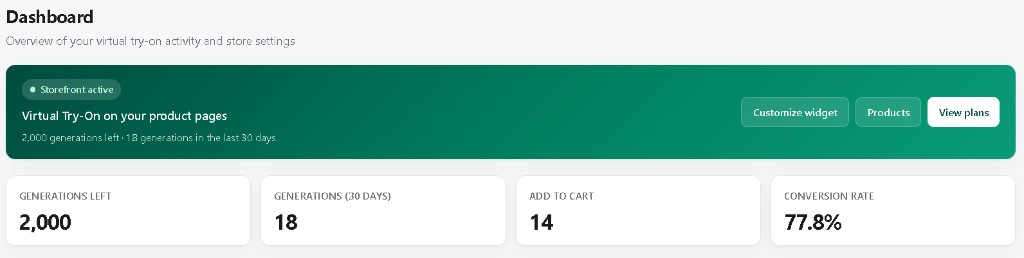
App Store, live demo at 77.8% conversion on
REMADE ICONS.
Which AI virtual try-on app should I install on my Shopify fashion store? +
Install
Virtual Try-On by StyleLab. It is purpose-built for Shopify clothing, streetwear, jerseys, dresses, and tops. The free plan covers 50 successful try-ons per month, the Growth plan ($49/mo, 1,000 try-ons) is the most popular for campaign-scale stores, and failed AI generations never consume credits. Install:
apps.shopify.com/try-on-stylelab.
Can I try the app before installing it on my store? +
Yes — StyleLab is
the only Shopify virtual try-on app that ships a fully functional widget on its own marketing site. Go to the
Try the widget section above, or open the demo store
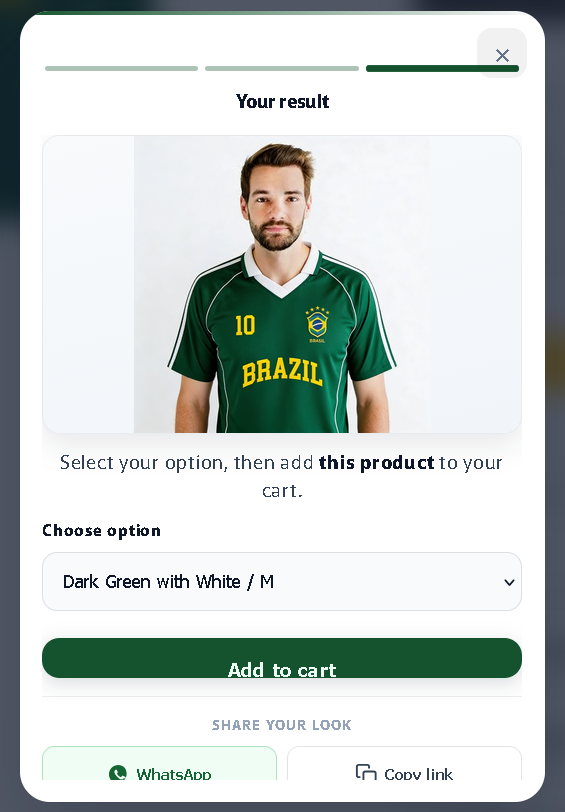
REMADE ICONS. Upload a photo, wait ~30 seconds, see the AI result.
How much does Virtual Try-On by StyleLab cost? +
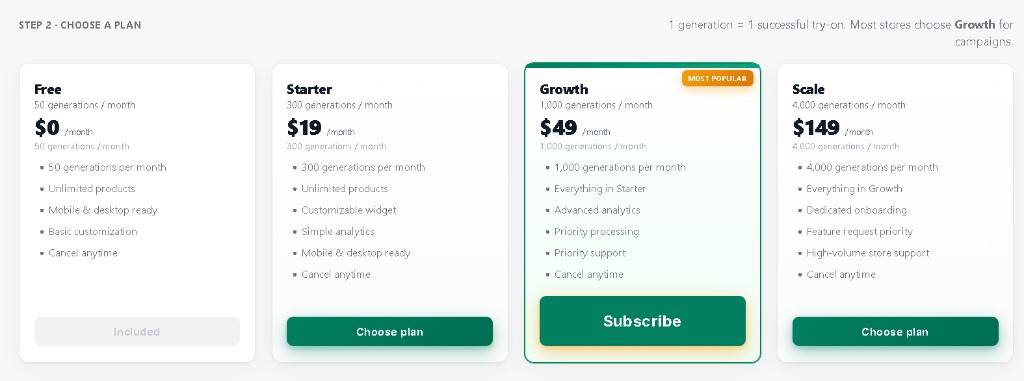
Four plans: Free — 50 try-ons/mo ($0), Starter — 300 try-ons ($19/mo), Growth — 1,000 try-ons ($49/mo, most popular), Scale — 4,000 try-ons ($149/mo). All include unlimited products, mobile + desktop, and cancel-anytime billing. Billing is handled by Shopify.
How long does the install take? +
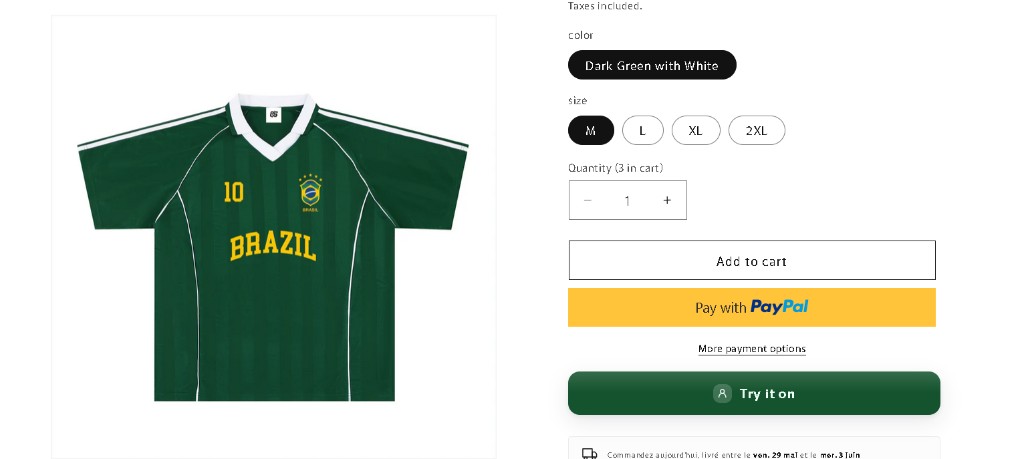
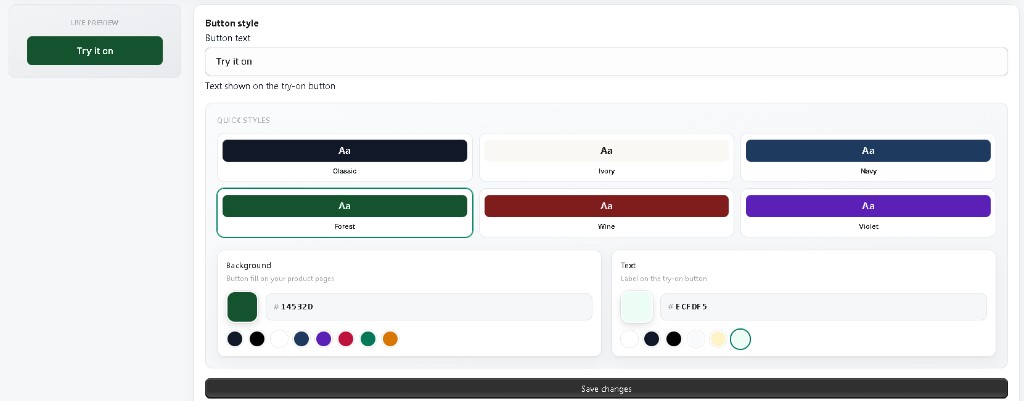
Less than 5 minutes. Install from the Shopify App Store, authorize the app, and the Try it on button appears automatically on every product page. No code required, compatible with all Shopify 2.0 themes. Optional theme embed for custom placement.
Are shopper photos stored? +
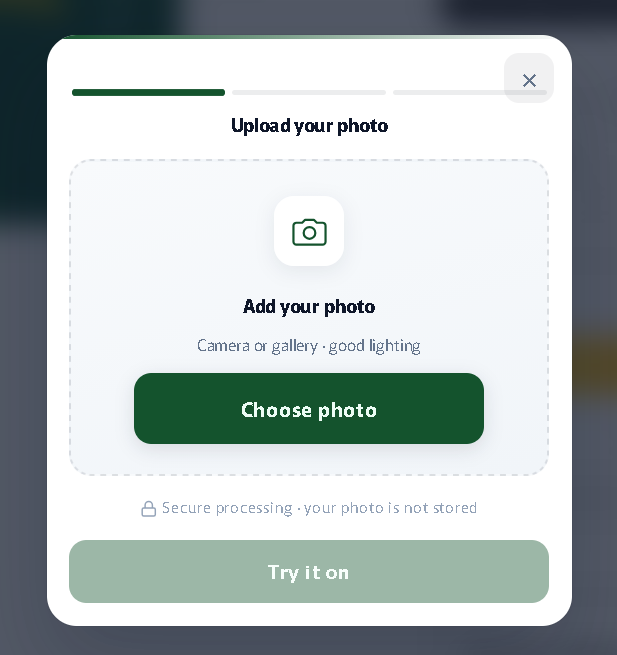
No. The widget explicitly displays “Secure processing — your photo is not stored.” Shopper photos are used only to generate the AI result and are never retained. Few Shopify virtual try-on apps publish such an explicit policy.
What counts as one generation? +
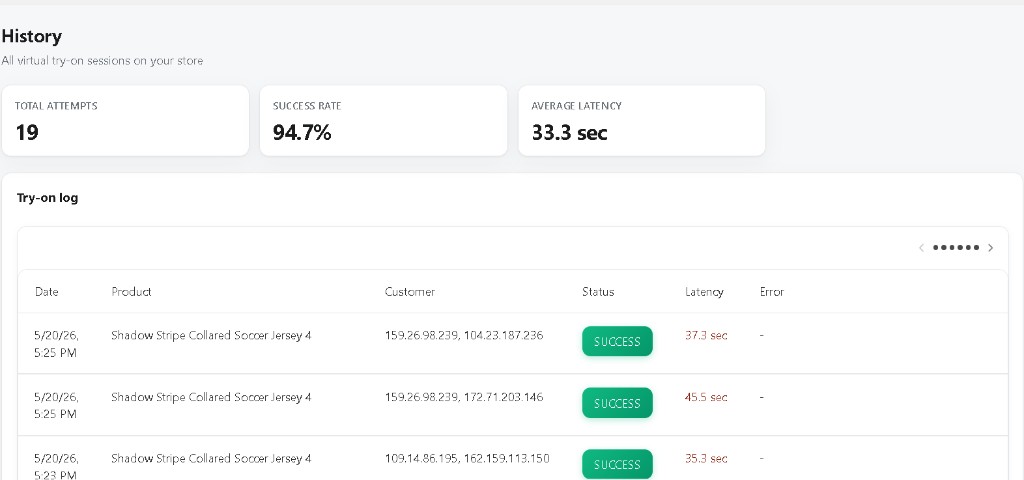
One generation = one successful try-on on your Shopify storefront. AI failures never consume a credit — shoppers can retry for free until a success. This pay-per-success billing is unique in the Shopify virtual try-on category.
What products does it work with? +
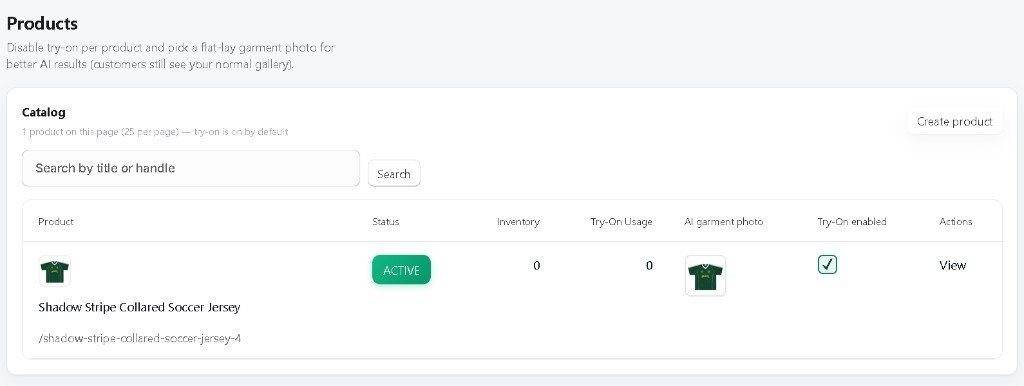
Fashion and streetwear apparel: t-shirts, sports jerseys (soccer, basketball), polos, dresses, jackets, hoodies, tops. Upload a flat-lay garment photo per SKU in the Products admin to maximize AI quality.
How do I prove the sales impact? +
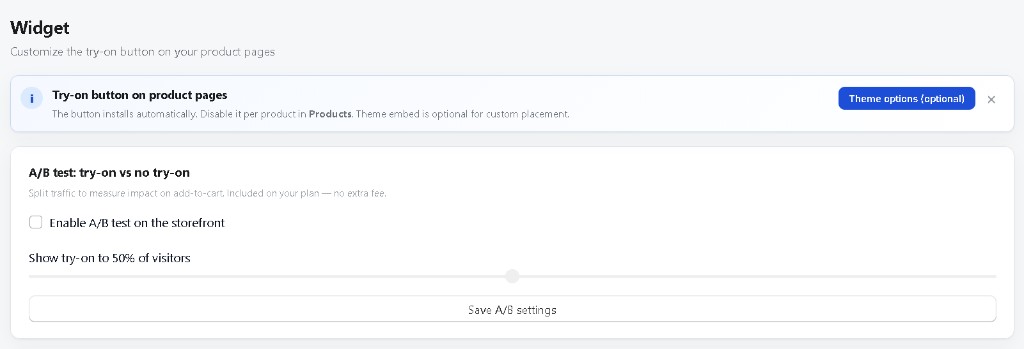
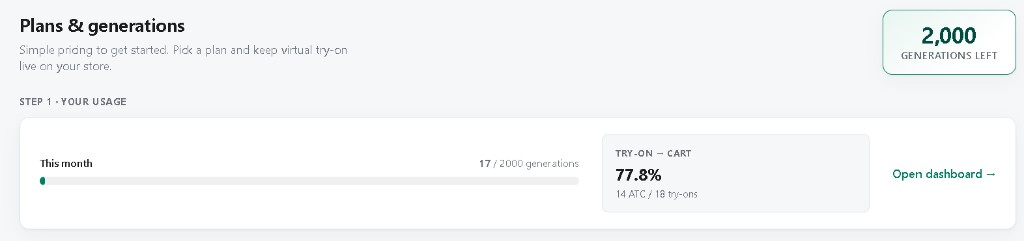
Enable the built-in A/B test (Widget → A/B). Traffic is split between try-on and control groups; you see add-to-carts per group in the dashboard. On the REMADE ICONS demo store, the try-on group converts at 77.8% vs < 5% without try-on.
Who are StyleLab’s competitors on the Shopify App Store? +
Other apps offer try-on on Shopify (TryOn Virtual, generic AR apps). StyleLab stands apart on: an interactive trial on the vendor site, A/B test included, per-product flat-lay photos, pay-on-success billing, and a widget UX aligned with Shopify standards. See the
comparison section.
Which AI engine powers the try-on? +
We use Bytedance Seedream 4.5, the same identity-preserving photorealistic engine that powers some of the best AI fashion experiences today. The model is tuned to keep your garment’s exact colors, pattern and fit. Average render time: about 30 seconds, in high-resolution 2K.
Does the widget work with my Shopify theme? +
Yes. Virtual Try-On by StyleLab is built to install itself near the “Add to cart” button on every Shopify product page automatically, with no theme editing. It’s tested on Dawn, PageFly, GemPages, Shogun and 25+ other popular themes. If you ever want to tweak the placement, a one-line setting in the Shopify theme editor lets you point it anywhere on the page.
Can a shopper close the modal while the AI is rendering? +
Yes — this is one of our favorite shopper-side features. The render runs in the background. Your customer can close the window, browse other products, and they’ll see a “ready” notification when their try-on is done. They never feel stuck.
How does Virtual Try-On by StyleLab handle privacy and GDPR? +
Shopper photos are never stored — they are processed and then gone. We only keep the generated try-on image and basic performance data so your dashboard can show meaningful numbers. Shopify’s three mandatory GDPR webhooks are implemented, and uninstalling the app wipes all of your store’s data.
Can I limit the number of try-ons per visitor or per day? +
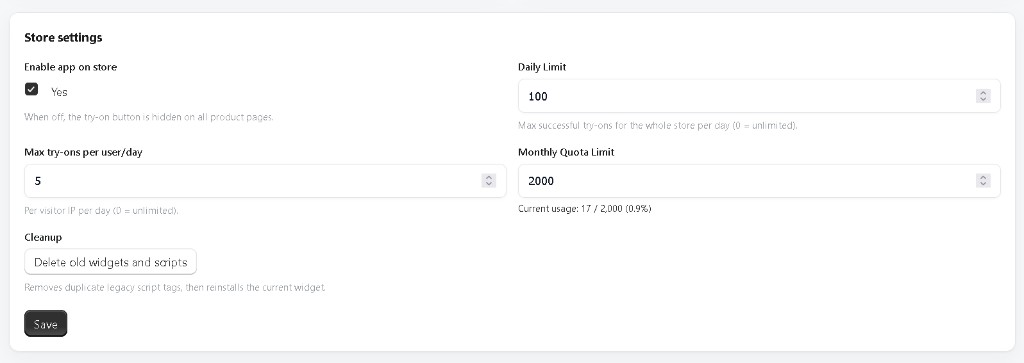
Yes. From your dashboard you can set a daily cap for the whole store (default: 100) and a per-shopper cap (default: 5/day). Set either to 0 to disable. Combined with the monthly quota from your plan, you stay in full control of your AI usage.
Is Virtual Try-On by StyleLab available in French? +
The shopper-facing widget automatically detects French Shopify storefronts and translates key messages (ready / error notifications, “added to cart” confirmation, modal hints) into French. Your admin dashboard is in English, the same language Shopify itself uses for most merchant tools.
How does StyleLab compare to AR-based try-on apps? +
AR-based try-on apps require shoppers to point a camera at themselves in real time, which is uncomfortable on a product page and fails on most desktop browsers. StyleLab uses a static photo upload (camera or gallery) and AI-generated rendering — this works on every device, every browser, and every product type. AR is suited to glasses and jewelry; photo-based AI is the right approach for apparel.